Black FridayUp to 40% off every plan, Lifetime included. Ends Dec 2, 11:59 PM PT.Up to 40% off every plan.Get the deal

Changelog

Every update, change and fix

What is new in the BuildPress app and plugin, what improved and what got fixed. Newest first.

Latest

November 2026

BuildPress 1.0

November 2026

BuildPress 1.0: the desktop app is out of beta and open to everyone. Download it free for macOS, Windows and Linux, build one local site with Claude Code or Codex at no cost, and pick a plan when you want more sites, your hosts and the plugin.

What's new

Out of beta

The app is now a stable 1.0 release on every platform, with self-updates checked against our signing key.

Free to start

Build one local site free, with no account and no card. Paid plans add more sites, connecting your hosts to pull and push, and the plugin.

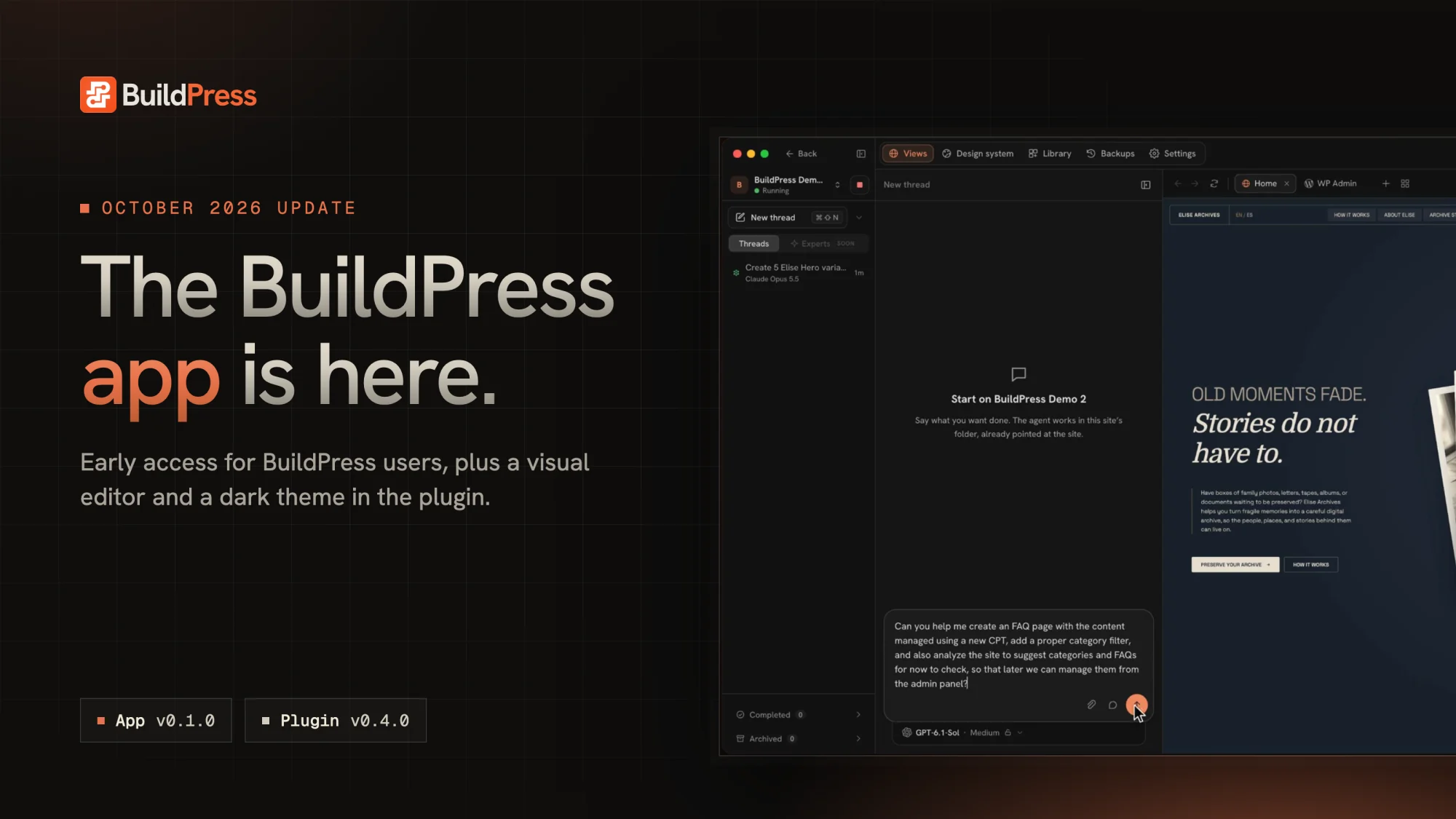
The BuildPress app is here: the October 2026 update, with app v0.1.0 and plugin v0.4.0.

The BuildPress app is here. Early access is rolling out to BuildPress users now, and in early November the app opens to everyone and BuildPress leaves beta. The plugin gets its own visual editor, a dark admin theme, and a simpler way to activate: your site connects to your BuildPress account instead of taking a license key.

App

BuildPress app v0.1.0-beta (Early access)

October 25, 2026

The first release of the BuildPress desktop app. It runs your WordPress sites on your computer, puts Claude Code or Codex to work beside a live preview, and pushes the result to your host when you are happy with it.

usebuildpress.com/app

What's new

Sites on your computer

Create a WordPress site in seconds, or bring one in from Local or a zip. Each site runs on its own PHP and MySQL, and one click opens wp-admin already signed in.

Your agent, beside your site

Claude Code and Codex work in threads next to the live preview, with the site's own tools, the page you are looking at, and a backup before anything risky.

One screen for the whole site

Page and canvas views, the design system, the Library, backups, and site settings, all next to the thread.

Push and pull with your host

Connect Cloudways, Hostinger, InstaWP, or any server over SSH. Every transfer shows what it will move first, and a push waits for you to Keep or Undo.

Bring a live site home

Import site, then From hosting, copies a production site into a new local site that is already linked to it.

Mac, Windows, and Linux

macOS (Apple Silicon), Windows, and Linux (.deb and AppImage), each with PHP and MySQL built in. The app keeps itself up to date.

Plugin

BuildPress plugin v0.4.0-beta

October 14, 2026

BuildPress gets its own visual editor, a dark admin theme, and a simpler way to activate: sites connect to your BuildPress account instead of taking a pasted license key.

What's new

Edit with BuildPress

A visual editor for pages built with BuildPress widgets. Click a widget to edit its fields, double-click text to change it in place, swap images, and drag sections to reorder them.

Dark admin theme

Every BuildPress screen comes in Dark, Light, or System. Each user picks their own in Settings, General, Appearance.

Connect your BuildPress account

Click Connect & Activate, sign in on usebuildpress.com, pick the license the site uses, and you are sent back connected.

Local sites are free

Sites on .local, .test, localhost, or a private IP connect the same way and never use one of your license's sites.

Fixes

  • Sites already connected with a license key switch over on their next daily check. There's nothing to do.

  • Hosting malware scanners (Cloudways and Imunify360) no longer flag BuildPress.

  • Expired, cancelled, and revoked licenses now pause premium features and show their real status.

  • A site disconnected from your account shows Connect & Activate again, and reconnecting a cloned site never takes over the original site's connection.

  • Design-system font sizes apply on block themes. Headings bound to h1, h2, or h3 were falling back to body size.

  • Activating a plugin from WP-CLI no longer exits with an error when Elementor is active.

  • Import and Export are hidden from the admin while they are reworked.

v0.3.0-beta

September 13, 2026

BuildPress can now drive any plugin or theme on your site, not only the ones it ships with, and build on any page builder, not only Elementor. Integrations become abilities, any plugin can be turned into a set of verified MCP tools you can export and reuse, and feedback opens up to guests with file attachments and per-site email notifications.

What's new

Integrations are now Abilities

Integrations are called Abilities now. WordPress core, Elementor, Elementor Pro, JetEngine, ACF, and GSAP are built in, and anything else on your site can be added as a custom ability.

Custom abilities

Point BuildPress at any plugin or theme on your site and it works out what that plugin can safely do, then saves it as MCP tools every later session starts from. It can read from the start, and making changes is a switch you turn on.

Export and import abilities

A custom ability is a file. Export it from one site, import it on another, switch it on, and the AI is working with that plugin there right away.

Build with any page builder

Tell BuildPress which builder your site runs on, Divi, Bricks, or anything else, and it keeps building: widgets go in as blocks or shortcodes and your design system mirrors into that builder.

Guest review

Anyone with the link can leave feedback on your site, no WordPress account needed. It comes with password protection, email verification, and threaded replies, while assignment and priority stay with your team.

Attach files to feedback

Feedback carries files now: images, mock-ups, screen recordings, briefs, PDFs. BuildPress AI reads images and text files straight off the feedback it is working on.

Feedback email notifications

New feedback, replies, assignments, and mentions go out by email from your site, in your site's own branding. Everyone picks which ones reach them.

Up to 2.5x faster, cheaper sessions

The same work finishes sooner and costs fewer tokens: a third smaller tool list on every message, a write and its verification in one round trip, and capped result sizes.

Fixes

  • BuildPress judges a plugin by what it actually registers rather than by its name. Plugins that reported "no way in" now show their real surface: All in One SEO went from nothing at all to 13 published operations, 128 REST endpoints, and 9 database tables.

  • Verification no longer reports a change as done when nothing on the site changed, and tools the AI was told to use in order are no longer hidden from it.

  • Opening an empty Elementor document no longer takes the site down, and a widget that would crash the site from inside a save hook is refused up front.

  • A tool that crashes returns an error the AI can read instead of a dead request.

  • Content written through BuildPress keeps its backslashes.

  • Typography is stored in the shape the design-system mirror reads, and the mirror works again on third-party builders.

  • The REST fallback works again: when nothing else covers a plugin, the AI can reach its REST routes.

  • Verification clears the page cache instead of warning you about it.

  • Run PHP moved to Settings.

  • Plus many more UI and backend fixes throughout the plugin.

v0.2.0-beta

July 23, 2026

Dynamic templates bring real theme building to conversation, feedback is rebuilt around a single click with a pixel-accurate screenshot, and native Elementor becomes a build target you choose per site. Memory, uploads, site identity, and multisite all get more capable, and a deep reliability pass makes design-system and Elementor writes trustworthy.

What's new

Dynamic templates

Design single, archive, and 404 templates, and every matching view renders with live content. Display conditions control where each applies (by post type, taxonomy, specific term, or individual post), widgets bind live data with tokens, and every template follows your design system.

Feedback, rebuilt around the click

Clicking an element opens an instant comment popup beside it, with a background screenshot of exactly what you saw. @mentions, an image lightbox, and Cmd/Ctrl+Enter to send. It now ships on by default, with full email and recipient settings.

Native Elementor builds

Choose BuildPress widgets or native Elementor per site. Native builds use real query loops, proper container spacing, whole-section writes, and Theme Builder headers and footers. Switching prompts a fresh AI session.

Manageable memory

The Memory page is now Instructions, with a real editor. Project memory is grouped, deletable per entry, refreshable, and clearable.

Clearer widget usage

The Used popup groups every placement by pages, other widgets, display conditions, and templates.

Site identity over MCP

The AI can set your title, tagline, icon, logo, timezone, and date and time formats, all through a strict whitelist with nothing risky.

Uploads from your machine

The AI sends local files through a one-time secure link, and images carry real alt text, titles, captions, and descriptions.

Multisite support

Each subsite keeps its own widgets, and existing networks migrate automatically on update.

Fixes

  • Design-system writes are reliable: no false drift alarms, no silent typography or color failures, parallel writes merge safely, and verification checks what actually persisted.

  • Elementor writes are fully validated before saving (widget types, container spacing, nested elements, updates, and whole pages), without false rejections on Elementor 4.x.

  • Widget files that would crash the site are refused up front and quarantined if one slips through, and the frontend 500s from early-version widgets are fixed.

  • Figma works end to end on the BuildPress Builder, with builder-aware sync, verification, and admin page.

  • Taxonomy assignment no longer creates junk terms; term IDs are validated first.

  • Server-path uploads keep the original file, and typography round-trips no longer save empty presets.

  • Widget storage only creates the active builder's folders, and a fatal in onboarding's final step is fixed.

  • The Read Only access mode is gone: MCP access enabled now always means read and write at your user's permission level.

  • Plus lots of UI updates across the dashboard for a better experience.

v0.1.0-beta

June 29, 2026

The first public release of BuildPress, the WordPress plugin that lets you build real sites by talking to your AI editor. Connect any MCP-compatible editor and BuildPress sets up your design system, plans the structure, builds pages from reusable widgets, and turns your live site into a review system, all through conversation and all verified before you look.

What's possible with BuildPress

Build by chatting

Connect Claude, Cursor, VS Code, JetBrains, or any MCP editor and drive 200+ tools across Elementor, JetEngine, ACF, WordPress, and Figma. Every build is verified before you see it.

A native page builder

Compose pages from reusable widgets, with separate reusable headers and footers, on any theme and with no theme-file edits. Elementor is an option, not a requirement.

One design system everywhere

Colors, fonts, spacing, and theme styles in one place, shared across the native builder and Elementor. Set it up with AI, import from Figma with a diff preview, or upload your own fonts.

Widget library and templates

A scannable library that tracks where every widget is used, plus saved templates that let you reapply a whole layout in one move.

Feedback, built in

Your live site becomes a review system: located comments with threads, status, priority, and assignee. BuildPress reads each pin, applies the fix, and parks it for your review.

Project memory

BuildPress remembers what your site is about and what it has built, across every session, all visible on the Memory page.

Smart site planning

Ask for a multi-page site and BuildPress maps your content into pages, content types, and global settings, then confirms the structure with you before it builds anything.

Opt-in animation

A bundled GSAP engine adds motion only when you turn it on, and loads only the modules each page actually uses. Works in the native builder and Elementor.

One license, automatic updates

A single license activates BuildPress right in the plugin and keeps it up to date automatically, with a guided wizard to get you connected.


v0.0.10

Early Beta 2

June 10, 2026

Our biggest milestone yet, with everything since the first preview rolled into one release. Build whole WordPress sites by talking to your AI editor: design your system, plan the structure, assemble pages from real reusable widgets, and review the result right on the live site.

What's new

Feedback

Your live site becomes a review system: located comments, threads, status, priority, and assignee. BuildPress AI reads each one and applies the fix.

Pages from real widgets

Builds default to reusable, design-token-bound widgets with separate reusable headers and footers. Prefer native Elementor for a page? Just ask.

AI-built design systems

Answer a few questions, import from Figma with a preview of every change, or generate an accessible light and dark palette from your brand color.

Smarter site planning

Ask for a multi-page site and the AI maps your content first, then confirms the structure with you before building anything.

Project memory you can see

BuildPress remembers what your site is about and what it has built, all visible on the Memory page.

Animation, opt-in

A bundled GSAP engine adds motion only when you turn it on, loading only the modules each page actually uses.

New connection and onboarding

A guided wizard gets you set up, and AI-client connections live in one clean list with a single add-connection modal.

Widget Library upgrade

A scannable list showing where each widget is used, with safe deletes that block removing a widget still in use.

ACF options pages via AI

Create and manage ACF Pro options pages end to end through your AI client.

Desktop-first admin

A cleaner dashboard tuned for larger screens.

Fixes

  • Widget creation no longer fails with a false "directory is not writable" error.

  • Page verification no longer reports a false failure on hosts where loopback HTTP is blocked.

  • BuildPress widget styles now reliably override Elementor's global kit defaults.

  • Feedback screenshots now capture correctly on live sites.

  • Large memory entries no longer silently fail to save.

  • The connection setup prompt now fills in your generated application password.

  • GSAP modules now load and report correctly, fixing the "0 modules" display.

  • Connection troubleshooting now explains SSL errors, with a toggle for incomplete certificate chains.

  • Onboarding focus rings and hover states now match BuildPress's own styling.

v0.0.4

Early Beta 1

May 18, 2026

Quality-of-life release: integrations that switch themselves on, finer REST passthrough control, and a guided first run.

What's new

Integrations auto-enable

Integrations switch on when their host plugin (Elementor, JetEngine, ACF, and others) is detected. Any can still be disabled manually.

REST passthrough toggles

Separate read and write switches for the universal plugin bridge.

First-run onboarding wizard

A guided setup flow, with a replay link in Settings.

Help and feedback page

An in-plugin feedback form, straight from the dashboard.

Plugin details modal

Description, installation guide, FAQ, and changelog, right in wp-admin.

Tidier settings

The audit log moved into Settings to keep the sidebar clean.

Fixes

  • Onboarding wizard now fires reliably on first activation.

  • The Figma disconnect button in Settings did nothing. Fixed.

  • Settings color and typography dropdowns now open on the first click.

v0.0.1

Initial Release

March 5, 2026

Where it all started. 200+ MCP tools for building Elementor pages, managing JetEngine content models, ACF field groups, WordPress content, project memory, and render verification. Works with Claude, Cursor, Windsurf, VS Code, JetBrains, and any MCP-compatible AI editor.

Free to start

Bring your AI.
Build real WordPress.

Download the free app, connect Claude Code or Codex, and build your first site today.